
Why the OS choice matters
Engineers and buyers often treat the OS as a checkbox, but it controls performance, security, app reach, and long-term value. If you’re specifying hardware or negotiating terms with a tv manufacturer, you need a clear comparison framework—not opinion. Pick the wrong platform and you get slow updates, flaky DRM, or a useless app store; pick the right one and the product sells itself. This guide compares platforms so you can match technical trade-offs to real goals.
Head-to-head: webOS versus the main alternatives
I’ve benchmarked firmware stacks and app startup paths on dozens of sets, and the differences matter. At CES in Las Vegas, manufacturers showed how webOS designs optimize multi-app navigation and TV-specific UX, which is why webOS often appears in operator and retail demos; you can read more about platform availability at webos smart tv. Android TV/Google TV wins on app breadth and developer tools. Tizen delivers tight hardware integration on certain brands. Roku and Fire TV prioritize simplicity and ad-driven services. Compare these facts against your requirements: app ecosystem, update cadence, hardware APIs, and long-term maintenance cost.
Key technical checkpoints for engineers
Validate these items before you lock a spec: DRM support (Widevine L1, PlayReady), OTA update policy and rollback, SoC vendor drivers and BSP maturity, GPU acceleration and HEVC/VVC decode offload, memory and flash headroom for OS + apps, certified HDMI (2.1 features if gamedev matters), audio passthrough and eARC, AV sync and interrupt handling, accessibility frameworks, and remote-control latency. Test with automated suites and end-to-end OTA scenarios. Common oversight: assuming a reference UI will perform identically on your board—driver and thermal behavior change everything.
Buying checklist for non-technical decision-makers
Focus on outcomes: will the TV get security and feature updates? Does the store have the apps your users expect? Is voice control compatible with your ecosystem? Ask about HDR format support (Dolby Vision vs HDR10+), game mode latency, and whether the manufacturer guarantees major OS upgrades. Confirm warranty terms for firmware issues and insist on a clear support SLA for software faults. Those are the items buyers actually measure at purchase and in the first 12 months.
Avoid these common pitfalls
Don’t assume “open” means better long-term. Android-based devices can ship with old Google services; closed OSes can still offer timely updates. Avoid short flash partitions that fill up with OTT app data. Don’t skip DRM and certification tests because they’re time-consuming—failures there kill streaming use-cases. And don’t let marketing specs replace measured latency, boot time, and update verification.
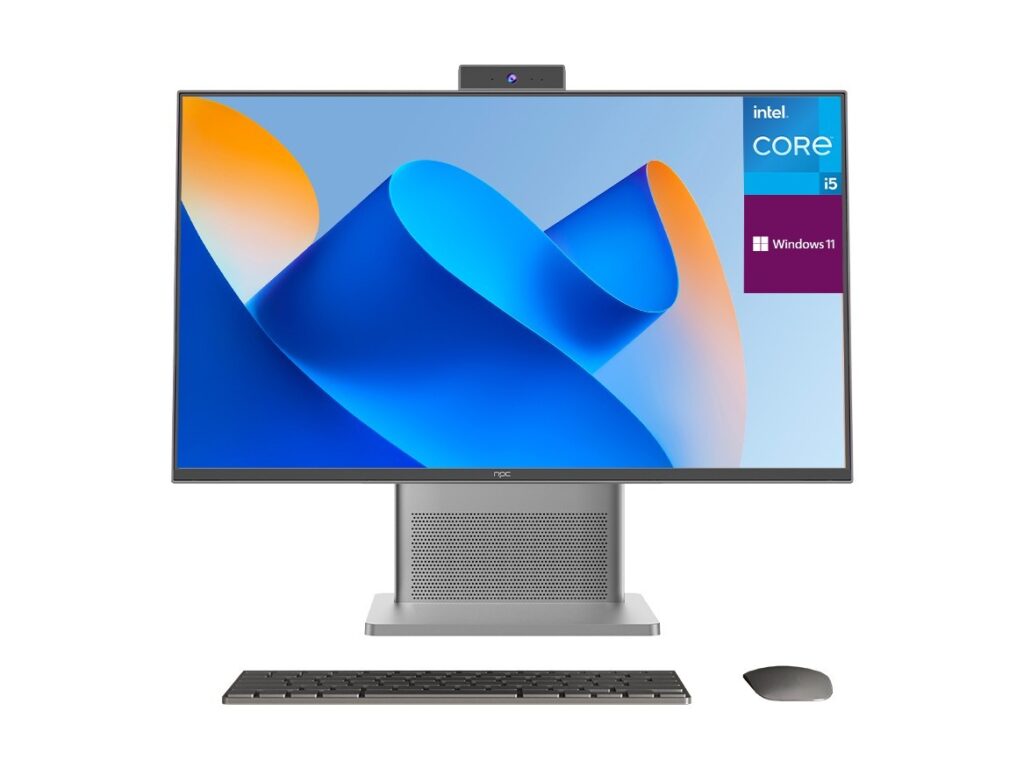
Match the OS to the use case
If you need fast app innovation and broad third-party dev support, pick a platform with a mature SDK and active app store. If integrated hardware features and a curated UX matter, favor platforms with proven vendor toolchains. If low cost and quick time-to-market are priorities, choose a lean runtime that minimizes memory and storage demands. Engineers get control by locking API guarantees and update policies; buyers get value by insisting on tested use-cases and clear SLAs. For suppliers who handle both hardware and software supply chains, npc sits where practical design meets execution, making those choices material and measurable rather than hopeful.